Comprehensive Guide to Installing dooflix APK on Your Device
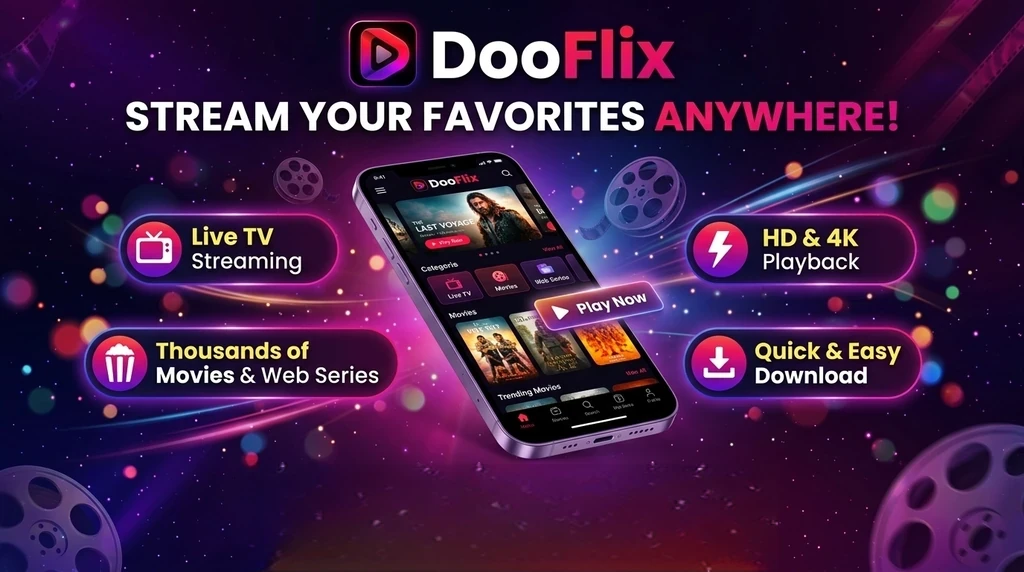
In today's digital world, streaming applications have gained immense popularity, providing users with access to a variety of content, including live sports, news, and television shows. One such application is dooflix, a versatile platform that aggregates numerous channels and provides a seamless viewing experience. However, one important detail to note is that dooflix is not available on the Google Play Store, necessitating a manual installation process via its APK file.
Step-by-Step Installation Process
Installing the dooflix APK is straightforward if you follow these detailed steps:
- Download the APK File:
Visit the official dooflix website or a reputable third-party source to download the APK file. Ensure that the source is trustworthy to avoid any security risks. - Locate the Downloaded File:
After the download completes, navigate to your device's storage. Typically, the downloaded file can be found in the Downloads folder. - Install the APK:
Tap on the downloaded APK file. If your device blocks the installation, you will need to enable installation from unknown sources. Go to Settings → Security/Privacy and toggle on Install from Unknown Sources. Remember to revert this setting back to its original state once dooflix is installed. - Follow Installation Prompts:
Proceed with the installation by following the on-screen instructions. After completing the installation, click on Open to launch the app.
Security Precautions
Safety is paramount when dealing with APK installations. Here are some essential security measures to consider:
- Always download APK files from the official website or trusted platforms to minimize the risk of malware.
- Prior to installing the downloaded APK, consider scanning it with a reputable antivirus application.
- After the installation is complete, it is advisable to disable the Install from Unknown Sources option in your device settings to protect against unauthorized installations in the future.
Frequently Asked Questions (FAQ)
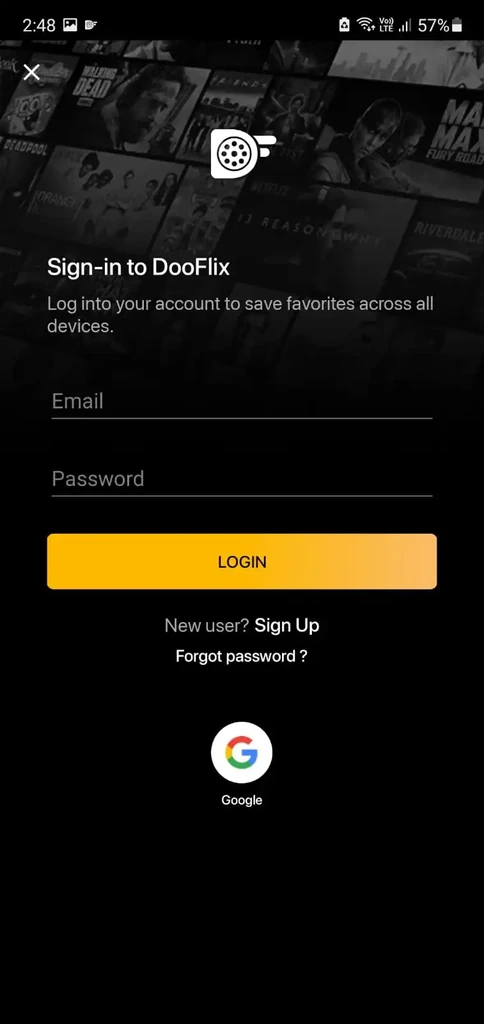
1. Do I need to register to use dooflix?
No, registration is not required to access the content on dooflix. You can start using it right after installation.
2. What should I do if the application lags or buffers?
If you experience lag, check your internet connection speed. Additionally, closing other applications running in the background can improve performance.
3. Is dooflix compatible with tablets?
Yes, dooflix is designed to be compatible with various devices, including tablets, providing an optimal viewing experience.
Disclaimer
Please be aware that dooflix serves as a third-party aggregation tool. The copyright of the content is owned by the respective creators, and users assume all associated risks while using the application. Always exercise caution and verify the legality of the content you access through dooflix.